Godot guide · · 7 min read
Godot iOS with AdMob and no tracking: fixing ITMS-91064
How we ship Godot 4.5 iOS games with AdMob and in-app purchases but no tracking, after ITMS-91064 Invalid Binary and a 2.1 rejection for a missing ATT prompt.

Two rejections, one root cause
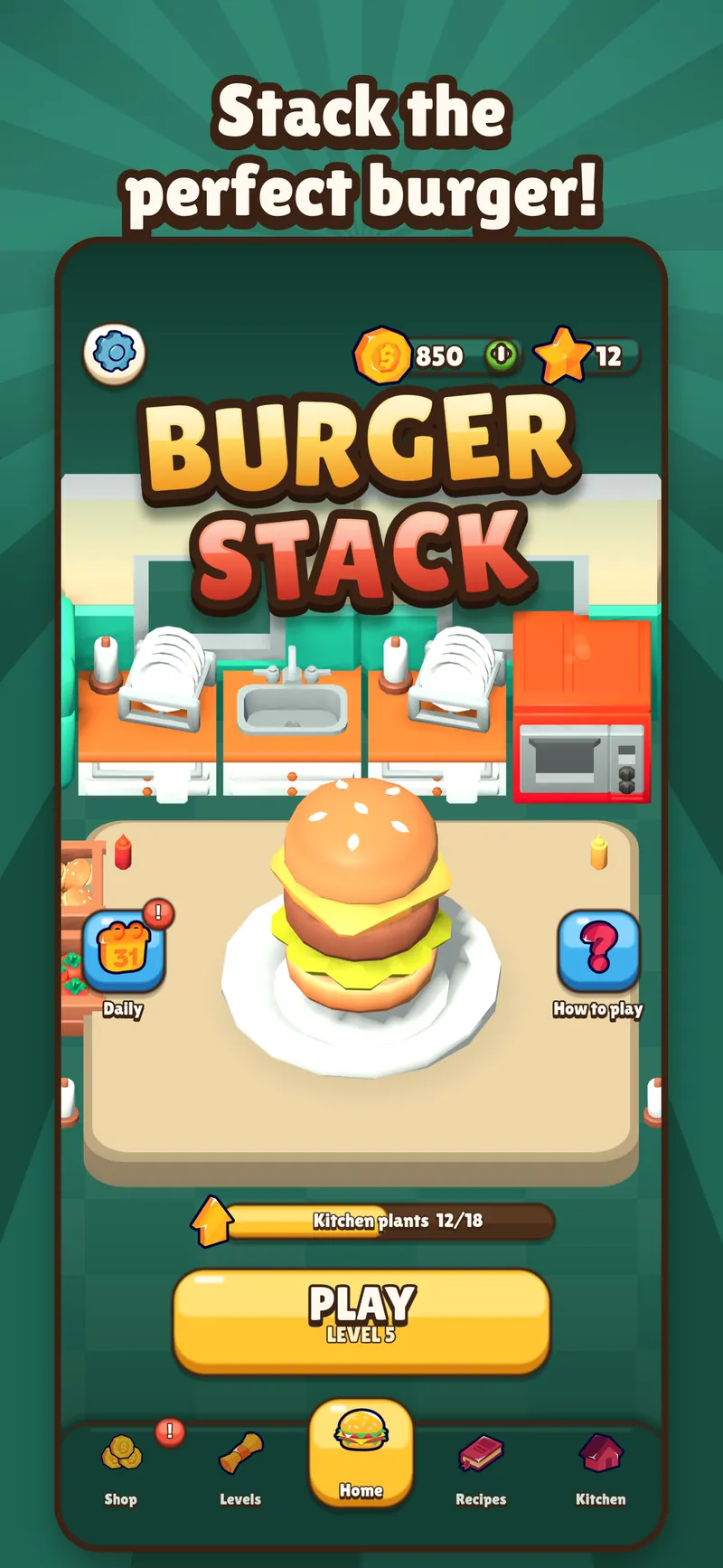
Burger Stack is a Godot 4.5 puzzle game for iPhone and iPad with AdMob rewarded and interstitial ads and in-app purchases. Getting version 1.2.0 through Apple took three builds. Build 3 was marked Invalid Binary with error ITMS-91064. Build 4 uploaded fine but was rejected under guideline 2.1 because tracking was declared and the reviewer never saw the App Tracking Transparency prompt.
Both problems had the same root: we told Apple the game tracks players in places that did not agree with what the game actually did on the reviewer's device. Build 5 stopped declaring tracking everywhere, and that is the setup Burger Stack 1.2.0 shipped with. This guide shows the exact Godot export options we use now and what Apple checks.
ITMS-91064: what Invalid Binary means for a Godot export
App Store Connect only shows the status Invalid Binary. The actual reason, including the ITMS code, arrives by email to the account holder, so ask for that email before changing anything. In our case it pointed at the privacy manifest.
Godot writes PrivacyInfo.xcprivacy into the exported Xcode project on every iOS export. Its NSPrivacyTracking value comes from the export option privacy/tracking_enabled, and NSPrivacyTrackingDomains from privacy/tracking_domains. Build 3 declared tracking in that manifest. The change that cleared the upload was setting privacy/tracking_enabled=false.
Apple's TN3181 lists the combinations that make the manifest invalid: NSPrivacyTracking true with an empty domains list, true with badly formatted domains, or false with domains still listed. Ticking privacy/tracking_enabled and leaving privacy/tracking_domains empty produces the first one. Apple's note is here: developer.apple.com/documentation/technotes/tn3181-debugging-invalid-privacy-manifest
- Open the exported PrivacyInfo.xcprivacy and read NSPrivacyTracking before you archive.
- If tracking is false, there must be no NSPrivacyTrackingDomains entries.
- Run plutil -lint on the file to catch a malformed property list.
- Do not hand-edit the manifest once and forget it: Godot regenerates it on the next export.
Guideline 2.1: tracking declared, but no ATT prompt
For build 4 we went the other way and declared tracking properly on paper. The Info.plist had an NSUserTrackingUsageDescription string, added through application/additional_plist_content, and the App Privacy answers in App Store Connect listed data used to track you. The ATT prompt itself was shown by Google's User Messaging Platform (UMP), using the IDFA explainer message configured in AdMob under Privacy & messaging.
In our setup that prompt only appeared in the EEA. The reviewer installed the game somewhere else, saw no ATT prompt, and rejected the build under 2.1 because the app said it tracks but never asked. Apple's rule is simple: to track people or read the advertising identifier you need permission through ATT, and without it the identifier is all zeros. If you declare tracking, the prompt has to appear on a fresh install wherever the reviewer happens to test.
Our no-tracking iOS export preset in Godot 4.5
Since build 5, the iOS preset in export_presets.cfg sets privacy/tracking_enabled=false and leaves privacy/tracking_domains empty. application/additional_plist_content contains only the export compliance flag, <key>ITSAppUsesNonExemptEncryption</key><false/>, and no NSUserTrackingUsageDescription. Without that usage description, the game is not set up to request tracking permission at all.
The exported PrivacyInfo.xcprivacy then has NSPrivacyTracking set to false, plus the required reason entries Godot adds for file timestamps, system boot time and disk space. In App Store Connect the App Privacy answers no longer list any data used to track you, and our privacy policy says that on iPhone and iPad the game does not track and does not ask for the advertising identifier. All three must say the same thing.
AdMob still runs. The game asks UMP for consent information first, shows Google's GDPR message where it is required, and only then calls MobileAds.initialize and preloads one rewarded and one interstitial ad. Ads on iOS are non-personalized.
- privacy/tracking_enabled=false
- privacy/tracking_domains left empty
- application/additional_plist_content without NSUserTrackingUsageDescription
- App Privacy in App Store Connect: no data used to track you
- In AdMob Privacy & messaging, remember that the IDFA explainer message is what makes UMP show the ATT prompt
In-app purchases do not need tracking
Purchases are a separate path and were never part of either rejection. Burger Stack enables a StoreKit 2 plugin with plugins/IOSInAppPurchase=true; the plugin's .gdip file lives in the project's ios/plugins folder and links StoreKit.framework. Tidy Tiles uses a different StoreKit 2 plugin, enabled with plugins/godot-storekit2=true. In both games the option name is the plugin name from its .gdip file.
Payments are handled entirely by Apple. The game only receives confirmation that a purchase happened and grants items from that event, so no payment data reaches us and nothing about purchases needs a tracking declaration. Burger Stack has a Restore purchases button at the bottom of the Shop and in Settings, because App Review expects a way to restore non-consumable purchases such as No ads.
The same fix on Tidy Tiles
Our cozy puzzle game Tidy Tiles had the same setup as Burger Stack build 4, with one extra risk: its build scripts forced NSPrivacyTracking to true in the privacy manifest after each export. Version 1.1.1 removed that step, removed NSUserTrackingUsageDescription from application/additional_plist_content and updated the privacy policy to match. Since late October none of our iOS games declares tracking.
If you really do want personalized ads, the requirements stack up: an NSUserTrackingUsageDescription, an ATT prompt on every fresh install before any tracking, a privacy manifest with tracking set to true and valid tracking domains, and App Privacy answers that match. Apple also does not allow gating features or giving rewards for allowing tracking. More on Apple's rules: developer.apple.com/app-store/user-privacy-and-data-use/
Checklist before you archive a Godot iOS build with ads
We run through this before every iOS upload that contains AdMob. It takes a few minutes and covers both failures we hit.
- Decide first: tracking or no tracking. Every setting below follows from that one choice.
- No tracking: privacy/tracking_enabled=false, privacy/tracking_domains empty, no NSUserTrackingUsageDescription.
- Tracking: NSUserTrackingUsageDescription, valid tracking domains, and an ATT prompt that appears in every region.
- Open the exported PrivacyInfo.xcprivacy and check NSPrivacyTracking matches your choice.
- Check that no build script patches the manifest or Info.plist after Godot exports.
- Make App Privacy in App Store Connect and your privacy policy say the same thing as the binary.
- Test a fresh install on a device outside the EEA, the way a reviewer might.
- Bump application/version for every new upload, and if a build turns Invalid Binary, read the email for the ITMS code.