
Steam guide · · 9 min read
Publishing an indie game on Steam
A practical Steam release checklist based on the official Steamworks process and our first release: app fee, store page, real gameplay assets, depots, review, launch, and post-release updates.
Create the app and plan the calendar
Steam Direct currently requires a 100 USD app fee for each new product. The fee is recoupable after the product reaches 1,000 USD in adjusted gross revenue. Complete partner, banking and tax information early because these are release dependencies, not marketing tasks.
Work backward from launch. Steam requires the Coming Soon page to be public for at least two weeks, and Valve recommends allowing at least seven business days for review in case changes are requested. Give yourself more time than the minimum.
- Pay and activate the app credit with the correct Steamworks account.
- Finish banking, tax and identity checks.
- Choose supported operating systems and languages honestly.
- Set an internal content freeze before submitting for review.
Build the store page around real gameplay
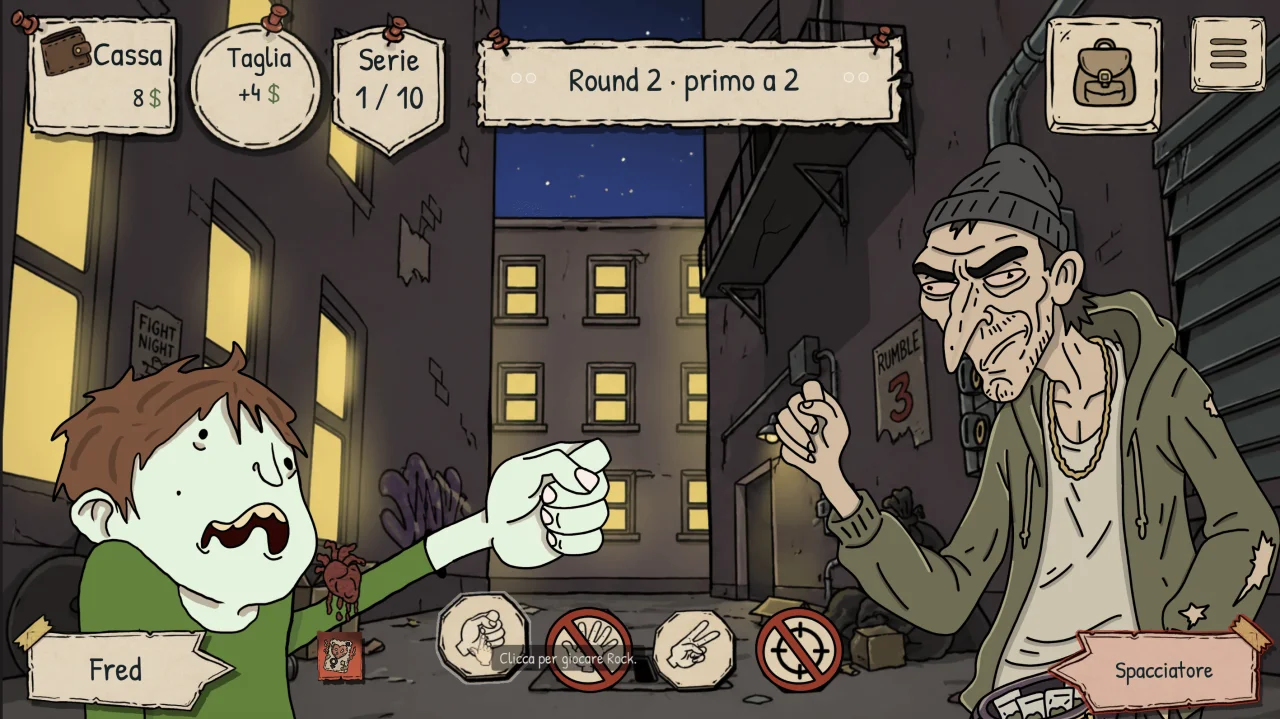
The short description should explain genre, action and hook in one pass. Screenshots must show actual gameplay, including the real interface. Steam requires at least five and recommends 1920 by 1080 or larger at 16:9.
Put a gameplay trailer first. Steam notes that players may give it less than ten seconds and may watch without audio. Show the core interaction early, use readable text and avoid a long studio-logo opening.
Treat store and build as separate checklists
Steam reviews the store presence and the game build. The build must launch on every operating system claimed on the page, and every selected feature must exist in the submitted build.
Configure depots, launch options and the default branch, then install from Steam on clean Windows and macOS machines. A local editor export is not the same path a customer downloads.
- Install the default branch through a normal customer account.
- Test first launch, save location, achievements and language switching.
- Verify system requirements against the supported hardware.
- Keep a private branch for release candidates and emergency fixes.
Submit a coherent release candidate
Valve says reviews commonly take three to five business days and recommends submitting at least seven business days before the date you need. Do not submit a page showing unfinished features or screenshots from content that is not in the build.
After approval, changes are still possible, but avoid replacing major systems immediately before launch. Lock the candidate, fix only release blockers, and keep the previous working build available in a branch.
Launch is manual
An approved game does not release itself. At the chosen time, a user with the correct Steamworks permissions must use Release App, review the summary, publish and confirm Release Now.
Prepare the launch announcement, support contact, known issues and first patch before pressing the button. Test the purchase flow and public package as soon as the store changes state.
Keep the page current after release
Update screenshots and descriptions when the game changes. Announcements should explain the player-facing difference, while patch notes can hold detailed fixes. Keep the website, trailer, system requirements and Steam page consistent.
Our practical lesson is simple: publishing is a product pipeline. Store assets, build configuration, platform tests, communication and support need owners and deadlines just like game features.